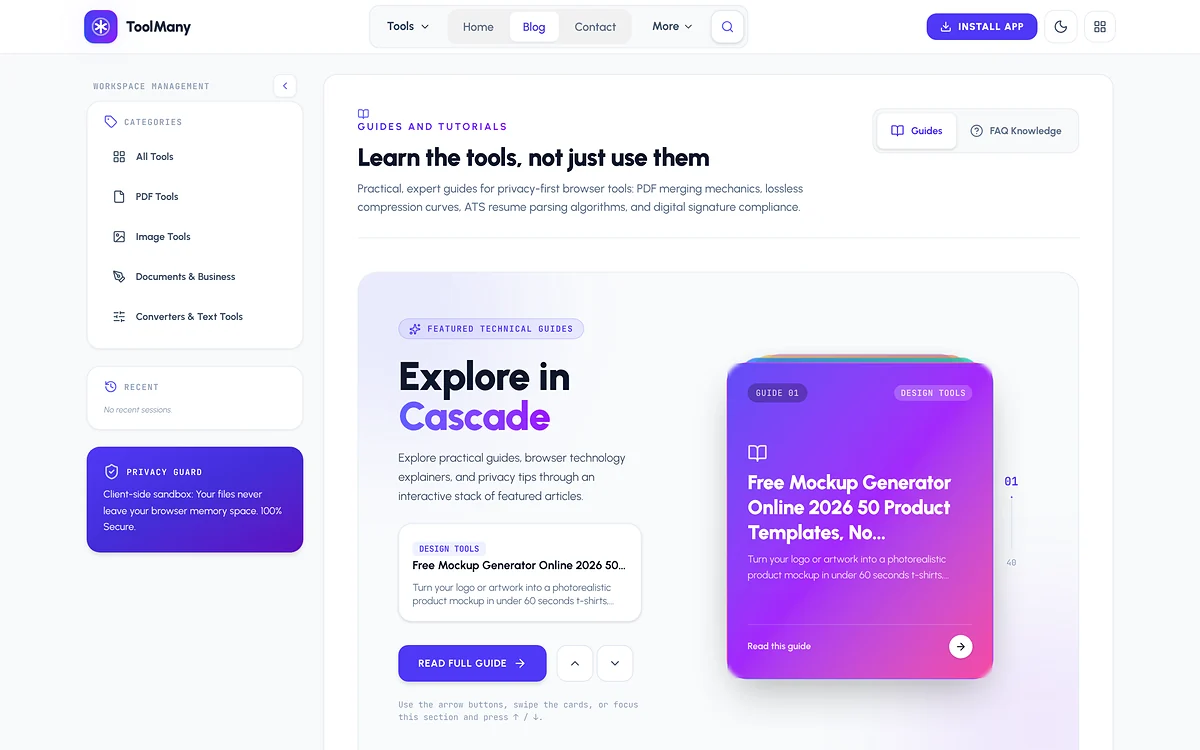
A client once sent me a signed contract and asked me to merge it with two other PDFs before a meeting. I did what everybody does: searched “merge PDF free”, clicked the first result and dragged the files in. Halfway through the progress bar I stopped and thought — I have no idea where these files just went.
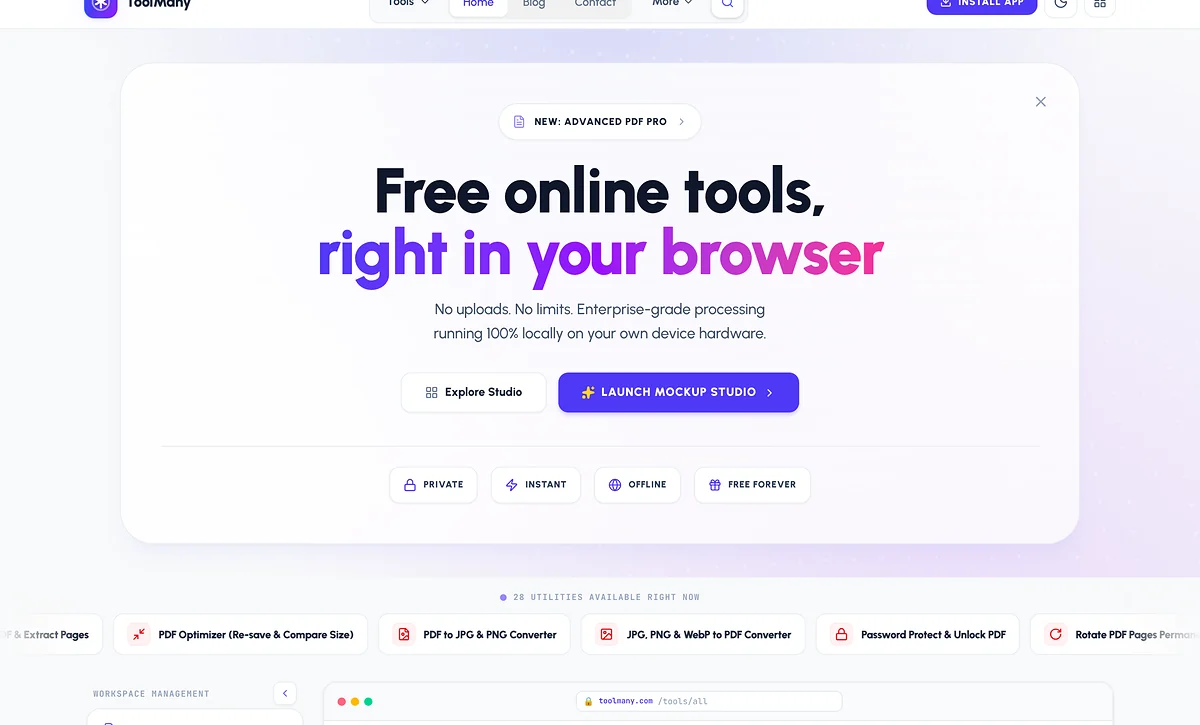
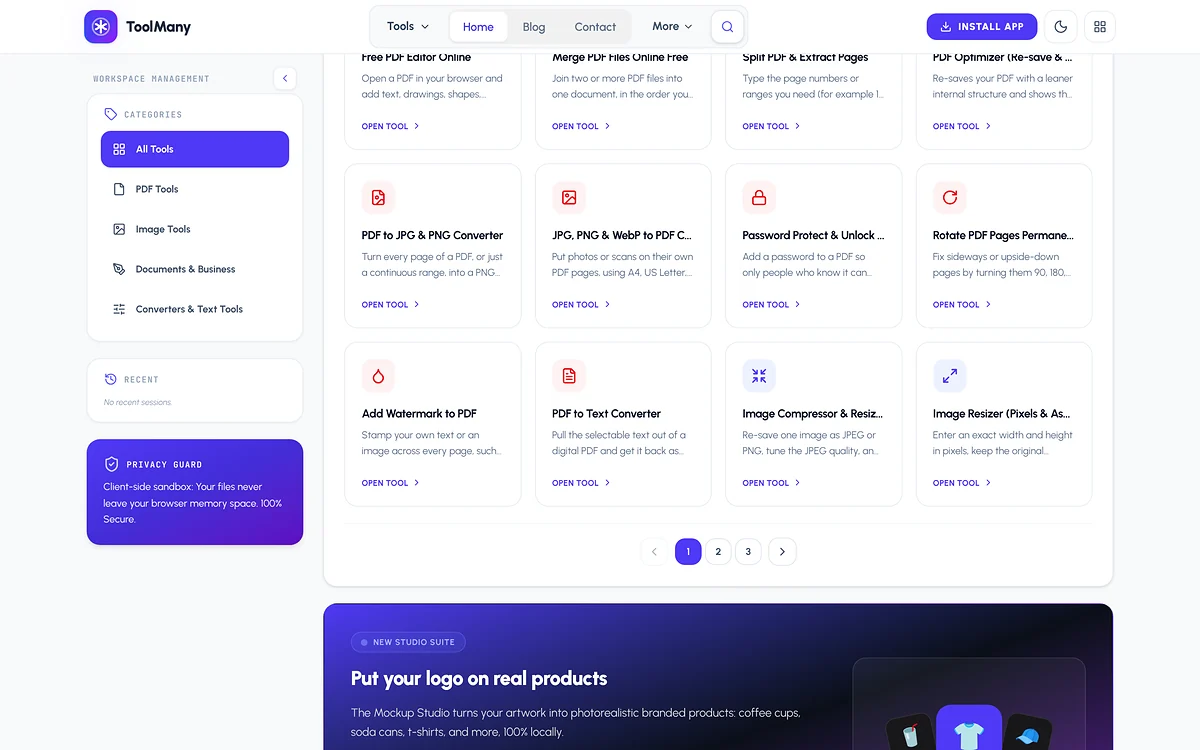
That moment became ToolMany. It is my own product: a set of 28+ free PDF, image and career tools that run entirely in your browser. Your files are never uploaded, there is no account to create, and once a page has loaded most tools keep working even if your connection drops.
The problem with “free” online tools
Upload-based tools are not evil, but the model has costs that visitors rarely see. Every file has to travel to a server, wait in a queue, get processed and travel back. That is slow on mobile data, and it means your bank statement, CNIC scan or résumé sits on someone else’s disk for a while. To pay for those servers, many sites add daily limits, watermarks or a sign-up wall after the second file.
Modern browsers are powerful enough that most of this round trip is unnecessary. Merging PDFs, compressing an image or drawing a signature is work your laptop or phone can do in a fraction of a second.
How ToolMany works: the browser is the server
Every tool on ToolMany follows the same rule: the file goes from your disk into the page’s memory, gets processed there and comes back as a download. Nothing is sent anywhere. In practice that means a few building blocks:
- PDF work in JavaScript — libraries like pdf-lib read, merge, split, rotate, watermark and password-protect documents without a backend.
- Canvas and WebAssembly for images — compression, resizing, format conversion and OCR run on the device, with heavy jobs moved to Web Workers so the page never freezes.
- On-device AI — the background remover loads its model once and then cuts out subjects locally.
- A PWA shell — you can install ToolMany like an app, and cached pages open instantly the next time.
The tools people actually use
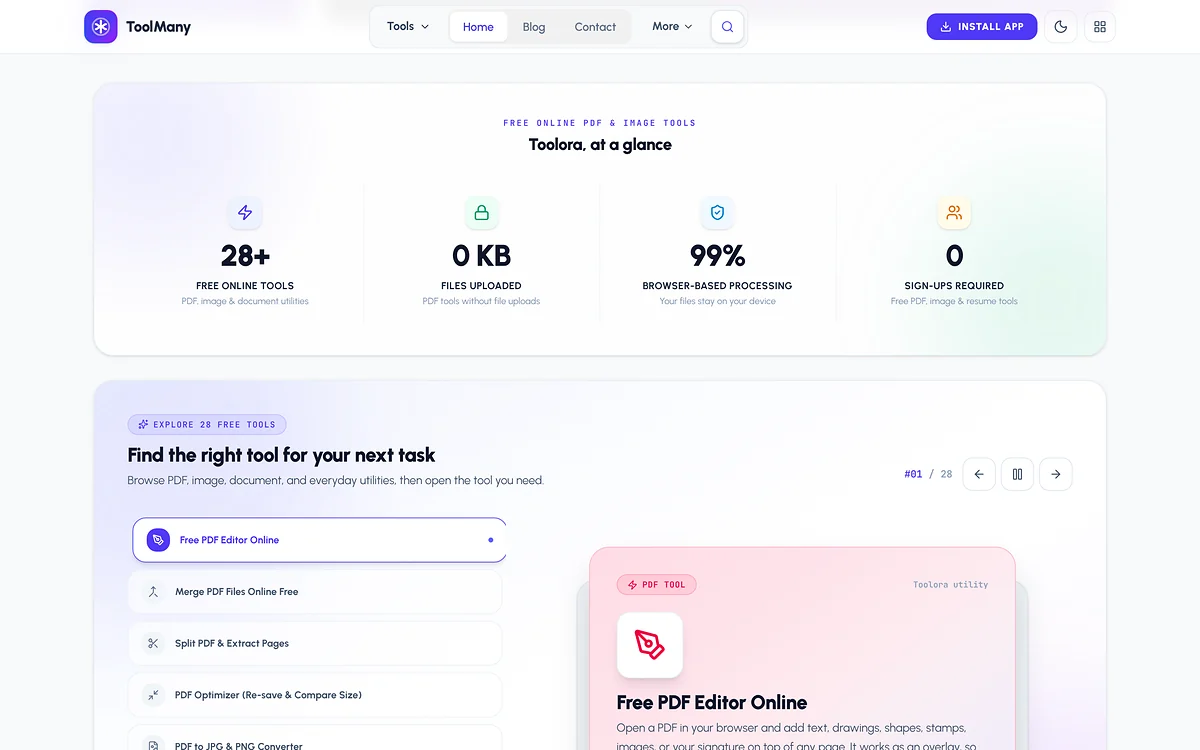
I did not want a thousand half-finished utilities. I picked jobs people search for every day and tried to make each one the best version I could:
- PDF: Free PDF Editor, Merge PDF, split, compress, rotate, watermark and lock/unlock.
- Images: compressor, resizer, converter, OCR, passport photo maker and background remover.
- Career and business: an ATS-friendly résumé builder, a GST/VAT invoice generator, QR codes, e-signatures, business cards and certificates.
- Design: a 3D Mockup Studio that turns a screenshot into a device mockup — I use it for my own project pages.
Who uses ToolMany
When I look at what people do on the site, three groups stand out, and each one shaped a tool:
- Students and job seekers who need to shrink a scanned document to the size an admission or visa portal accepts, or turn a messy CV into a clean, ATS-friendly résumé the night before a deadline.
- Freelancers who send invoices, sign contracts and prepare portfolio mockups — usually on a laptop between client calls, sometimes on a phone.
- Small businesses and shops that need a GST/VAT invoice, a business card or a certificate without paying for a design tool every month.
None of them want to create an account for a two-minute job, and many of them handle documents they really should not upload anywhere. That is exactly the gap a browser-only tool fills.
Using a tool, step by step
Every tool follows the same simple flow, so once you have used one you know them all. Take merging PDFs as an example:
- Open the tool and drop your files in (or tap to pick them on a phone).
- Drag the pages into the order you want — previews render instantly because nothing is waiting on a server.
- Click merge and download the result. Close the tab and the files are gone from memory.
If the merged file turns out too large to email, the PDF compressor is one click away — tools link to each other wherever one job naturally leads to the next.
What building it taught me
1. Speed is a feature, not a bonus
If a tool is free, people compare it with the next tab in two seconds. I split the code so each tool page loads only what it needs, lazy-load heavy libraries after the first click and keep the first paint tiny. The same thinking powers this portfolio — the HTML is pre-rendered and the 3D layer loads only after the page is idle.
2. Privacy has to be visible
Saying “we don’t upload your files” is easy. Showing it is better: the interface works with the network tab open and no requests leave, and the copy explains it in plain words. Trust is what makes someone come back for a second tool.
3. A tool site needs content
A page with only a drop zone rarely ranks on Google. The traffic really started to move when I began writing honest, step-by-step guides for each tool — I explain that whole process in my SEO and blogging playbook for tool websites.
The best free tool is the one that does exactly one job, instantly, and forgets your file the moment you close the tab.
— Ali Hamza
What is next
I keep adding tools based on what visitors ask for, and each new tool gets its own guide on the ToolMany blog. If you want the full story with screenshots, see the ToolMany case study.

Written by
MERN stack and hybrid mobile developer from Multan. 4+ years building dashboards, SaaS platforms, e-commerce and real-time apps for clients in Pakistan, the USA, the UK, Germany and Libya. Founder of ToolMany.com, where he also writes the SEO guides.