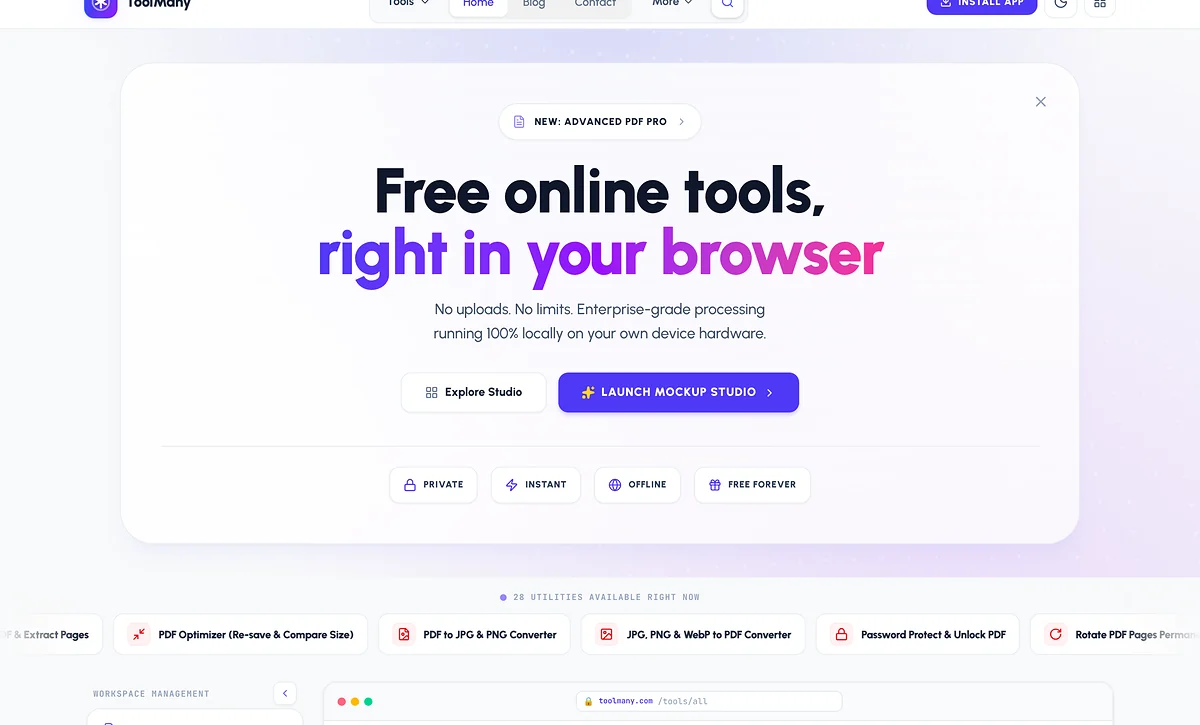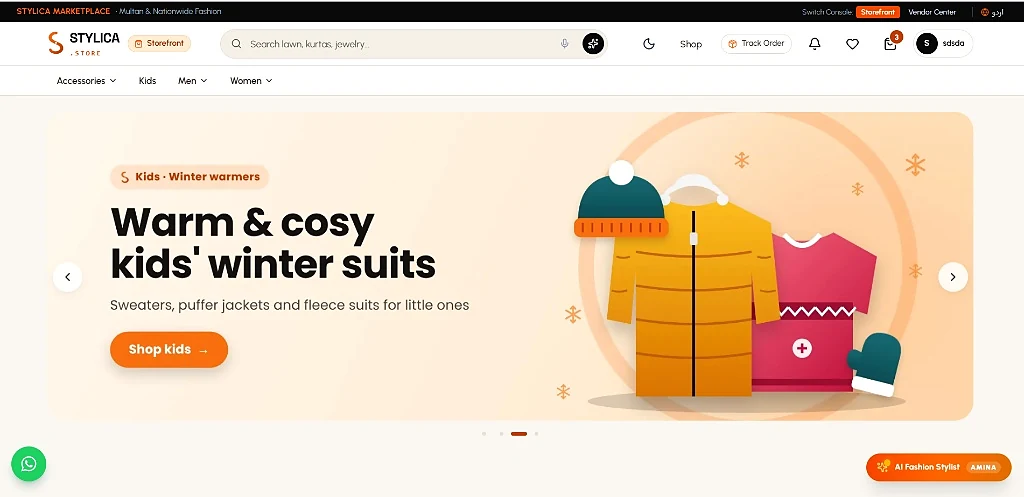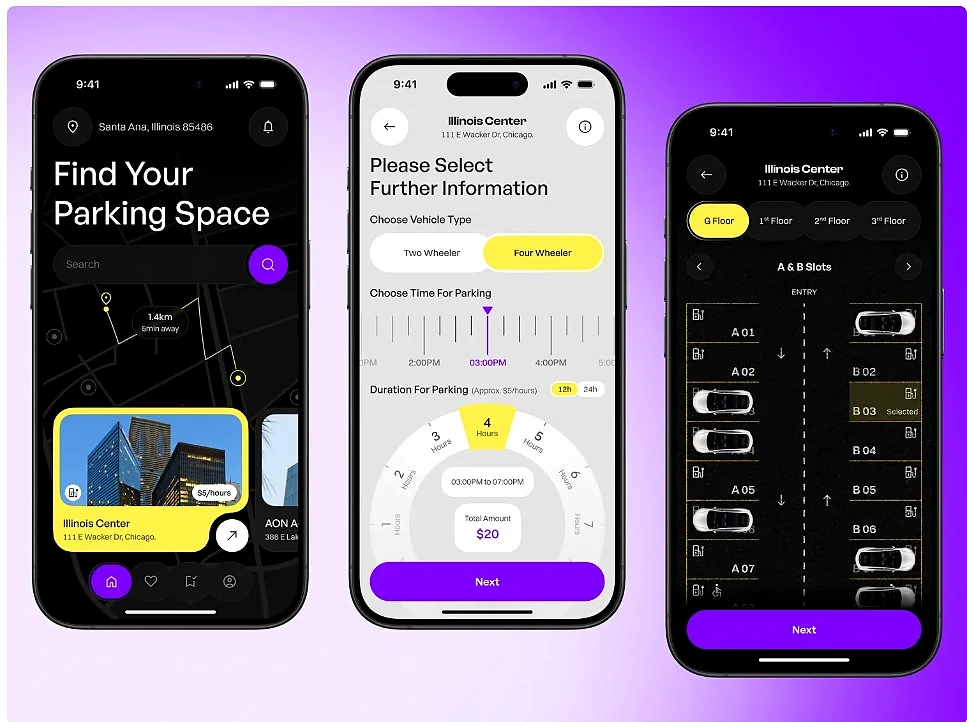
Most of my clients do not have the budget for three separate teams — one for the website, one for Android and one for iOS. They need one product that works everywhere, launches quickly and is easy to maintain. For the last few years my answer has been the same: React + Ionic + Capacitor.
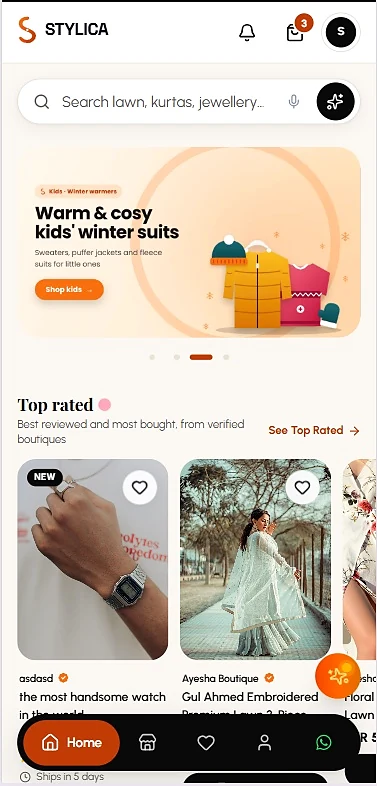
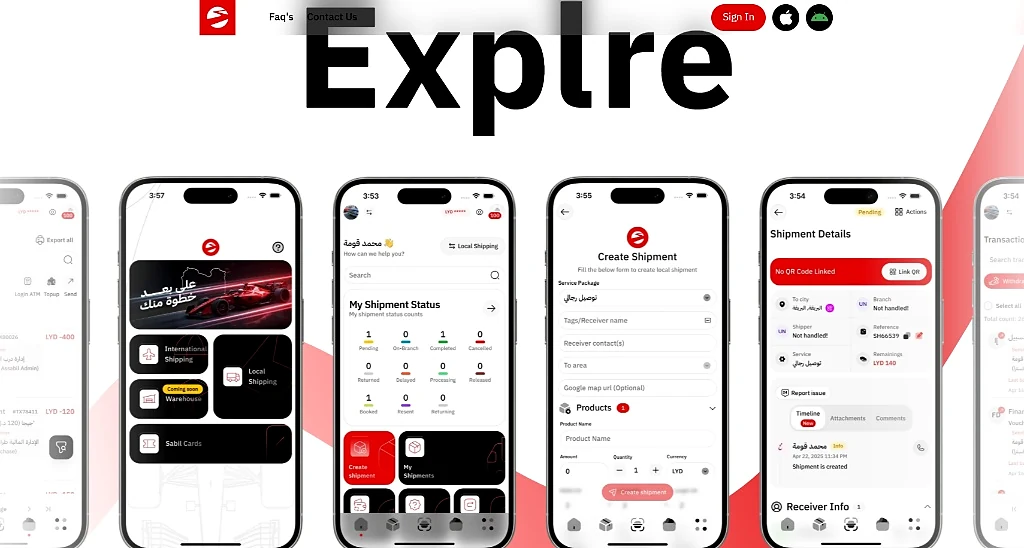
This is how I structure those projects, using real apps I built: ParkSmart, the Stylica fashion store and the Darb Assabil courier app (live at sabil.ly).
What Ionic and Capacitor actually do
Ionic gives you mobile UI components — tabs, sheets, lists, gestures — that feel at home on a phone. Capacitor wraps your web build in a real native project, so it ships through the Play Store and App Store and can talk to the camera, GPS, push notifications and the file system. Your app logic stays in normal React and TypeScript.
How I structure the codebase
- Feature folders — bookings, payments and profile each own their screens, hooks and API calls.
- One API layer — a typed client (with Zod validation) used by web and mobile alike, so a backend change is fixed once.
- A platform service — the only place that calls Capacitor plugins. The rest of the app asks “take a photo” and never cares whether it runs in a browser or on Android.
- Design tokens — colours, spacing and type in one place, so the web dashboard and the app look like the same product.
Native features without native headaches
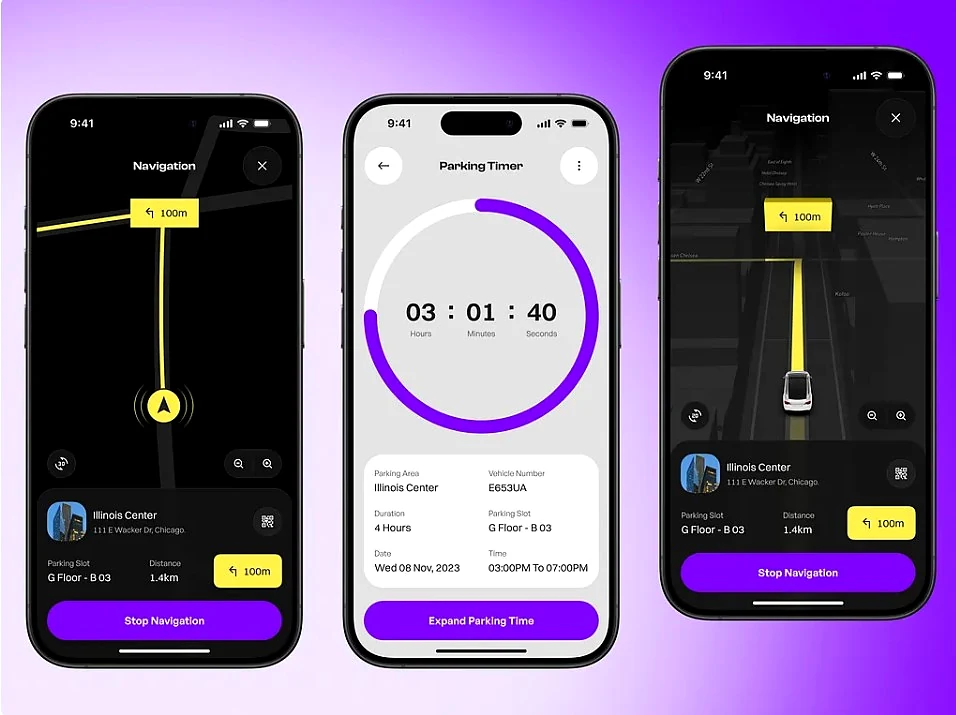
In ParkSmart the app needs location for the map, a live timer that survives the app going to the background, payments and a QR ticket for check-in. All of this comes from Capacitor plugins wrapped in small hooks. When the app runs as a website, the same hooks fall back to browser APIs, so we can test most features without building an APK.
Five traps I learned to avoid
- Treating mobile as a small website. Design for thumbs first: bottom navigation, big tap targets, no hover-only actions.
- Shipping a heavy bundle. A WebView on a mid-range phone is slower than your laptop. Split routes, lazy-load charts and maps, and compress images.
- Ignoring offline states. Show cached data and clear messages when the network drops — couriers and drivers are often on weak signals.
- Forgetting right-to-left. The Darb Assabil app is Arabic-first and Stylica has a full Urdu version. Use logical CSS properties (start/end, not left/right) from day one.
- Leaving store releases to the end. Icons, splash screens, permissions text and signing keys take time. I set up APK/IPA builds in the first week.
Making a WebView app feel native
The difference between an app that feels “like a website” and one that feels native is mostly in small details. These are the ones I never skip:
- Instant feedback — buttons react on touch, lists use skeleton loaders, and slow actions show progress instead of freezing.
- Native transitions and gestures — Ionic’s page transitions and swipe-back on iOS make navigation feel familiar.
- Safe areas — content respects the notch, the home indicator and Android’s navigation bar.
- Status bar and splash screen — themed to the brand so the app does not flash white on launch.
- Keyboard handling — forms scroll the focused field into view and the layout does not jump when the keyboard opens.
My release checklist
- App icons and splash screens generated for every density.
- Permission texts written in plain language (location, camera, notifications) — store reviewers read them.
- Production API URLs, error tracking and analytics switched on.
- Signed release builds: an AAB/APK for Google Play and an IPA through Xcode for the App Store.
- A test pass on a real low-end Android phone, not only on an emulator.
- The same build deployed as a web app, so clients can share a link while the stores review the release.
When I would not use this stack
If the core of the product is a heavy 3D game, complex real-time video or deep OS integration, I recommend fully native or a different tool. For dashboards, booking apps, e-commerce, SaaS and internal tools — which is most business software — one codebase is faster to build and cheaper to maintain.
Clients don’t buy a framework. They buy a product that works on every phone their customers own — and that one developer can keep improving.
— Ali Hamza
Thinking about an app?
Performance matters just as much in apps as on websites — the same mindset I describe in why I built ToolMany. Browse all my projects, read more about how I work, or start a project with me.

Written by
MERN stack and hybrid mobile developer from Multan. 4+ years building dashboards, SaaS platforms, e-commerce and real-time apps for clients in Pakistan, the USA, the UK, Germany and Libya. Founder of ToolMany.com, where he also writes the SEO guides.